E-signatures + payment method on file
Guests sign the rental agreement and can optionally save a payment method for documented post-stay charges, all in the same link, on any device.
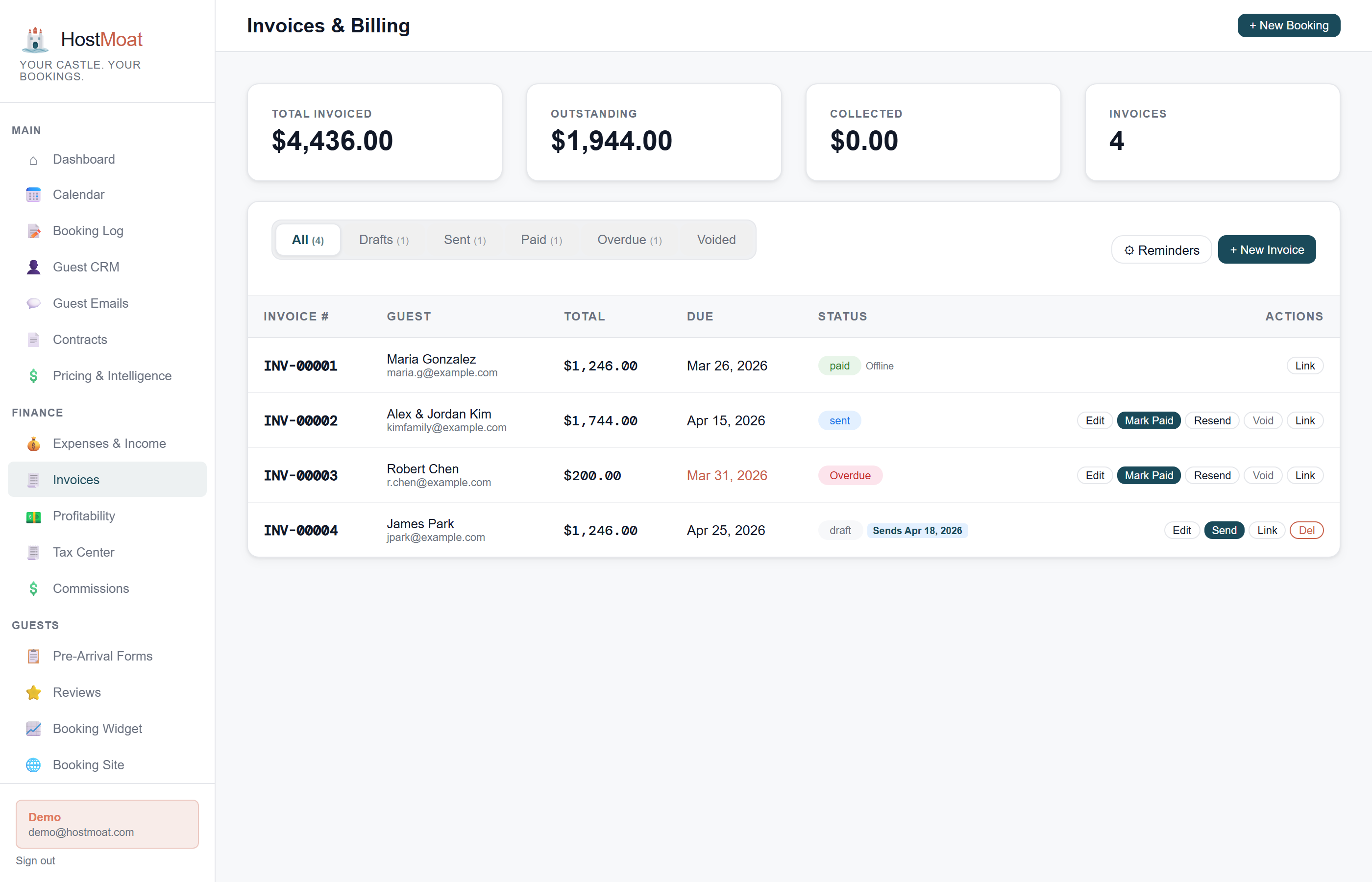
Optional auto-invoice on signing
Enable auto-invoicing when sending a contract and HostMoat creates the configured deposit and balance invoices from the signing event.
Vendor cost tracking
Link cleaning fees, supply costs, and other expenses to individual bookings so you see true profit per stay, not just gross revenue.
How optional auto-invoice works
When you enable auto-invoicing on a contract, signing creates and emails the configured deposit invoice and schedules the remaining balance invoice. Invoice status and booking payment totals update when payment lands. Leave the option off when payment is handled elsewhere.
Vendor cost tracking per booking
Assign expenses directly to a booking, such as cleaning, supplies, or access costs. The booking detail view compares recorded revenue and costs side by side. Reconcile the data with source statements before using an export for accounting or tax work.
Frequently asked
Do I need Stripe to use contracts?
No. Contracts and e-signatures work without Stripe. You only need Stripe if you want to collect payment through HostMoat.
Can I send a contract without requesting payment?
Yes. Signature collection and payment are independent: you can use one, both, or neither.
What happens if a guest disputes a charge?
Stripe handles the dispute process. HostMoat stores a permanent signature audit trail (timestamp, IP address, and email verification) which you can submit as evidence.