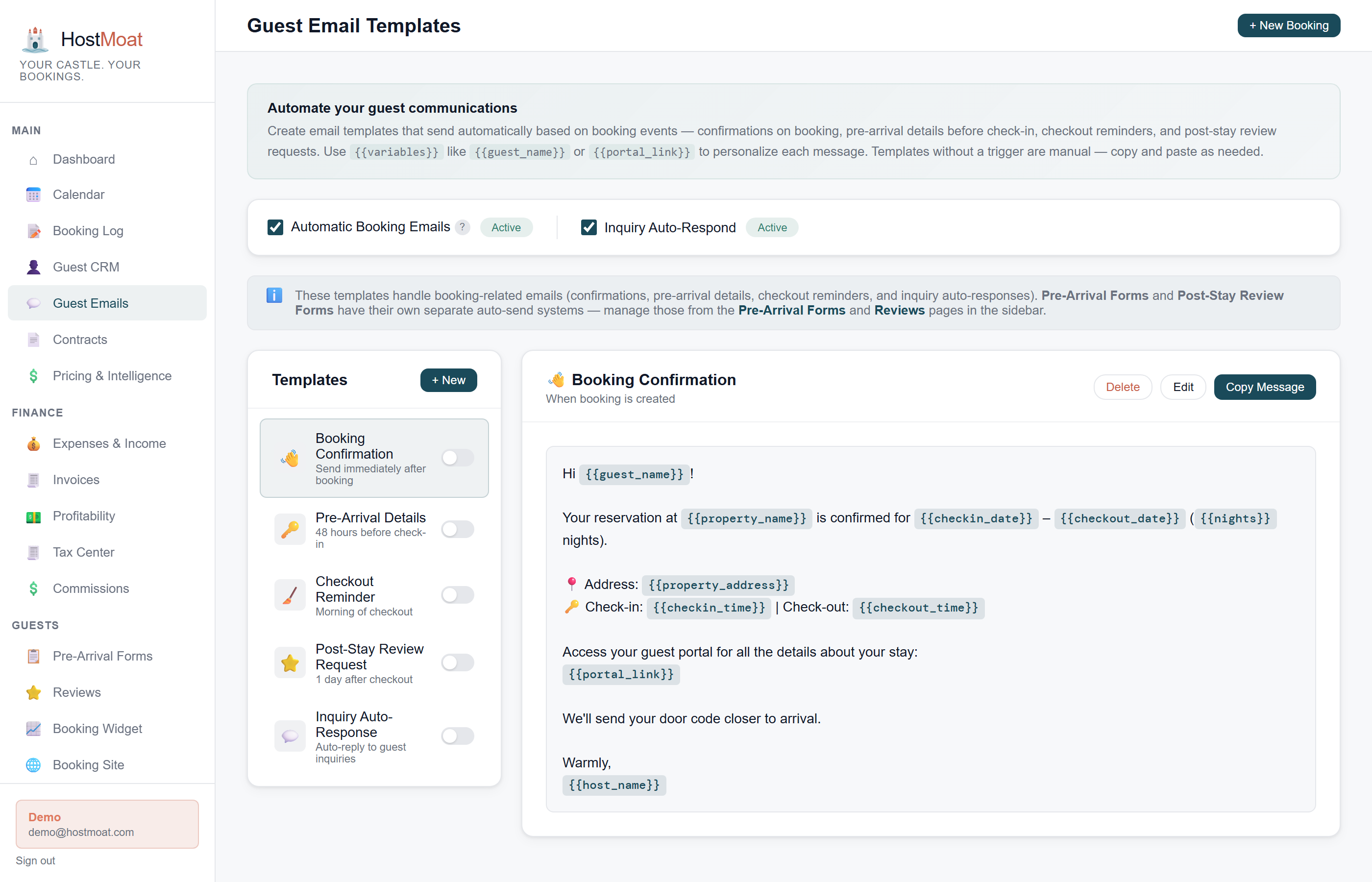
Trigger-based sends
HostMoat schedules emails from your configured booking triggers and timing. Delivery logs let you monitor results and follow up when a message fails or guest circumstances change.
Live merge fields
Templates pull real booking data (guest name, check-in date, door code, WiFi password) so every email feels personal without any extra work.
Per-property overrides
Set a global template for all properties, then override it for specific listings that need different wording or different door codes.
Template library with merge fields
HostMoat ships 5 editable templates: booking confirmation, pre-arrival reminder, check-in day instructions, checkout reminder, and review request. Merge fields cover guest, booking, property, and payment data. Review templates whenever property facts, access instructions, policies, or guest circumstances change.
Digest emails keep you in the loop
Daily and weekly digest emails summarize upcoming arrivals, departures, and unpaid invoices for your review. Digests are separate from guest-facing sends and can be configured independently; verify time-sensitive items in HostMoat and the source platform.
Frequently asked
Can I pause automated sends for a specific booking?
Yes. Each booking has a toggle to suppress automation sends, useful for bookings where you're handling communication manually.
What merge fields are available?
There are 20+ merge fields covering guest info (name, email, phone), booking details (dates, nights, revenue), property data (address, WiFi, door code), and payment status.
Which email address do messages come from?
Guest-facing sends use verified HostMoat addresses (bookings@, inquiries@, and [email protected]) so they don't land in spam.