Email Import & Inquiry Auto-Responder
Turn confirmation emails into enriched bookings.
Start 14-Day Trial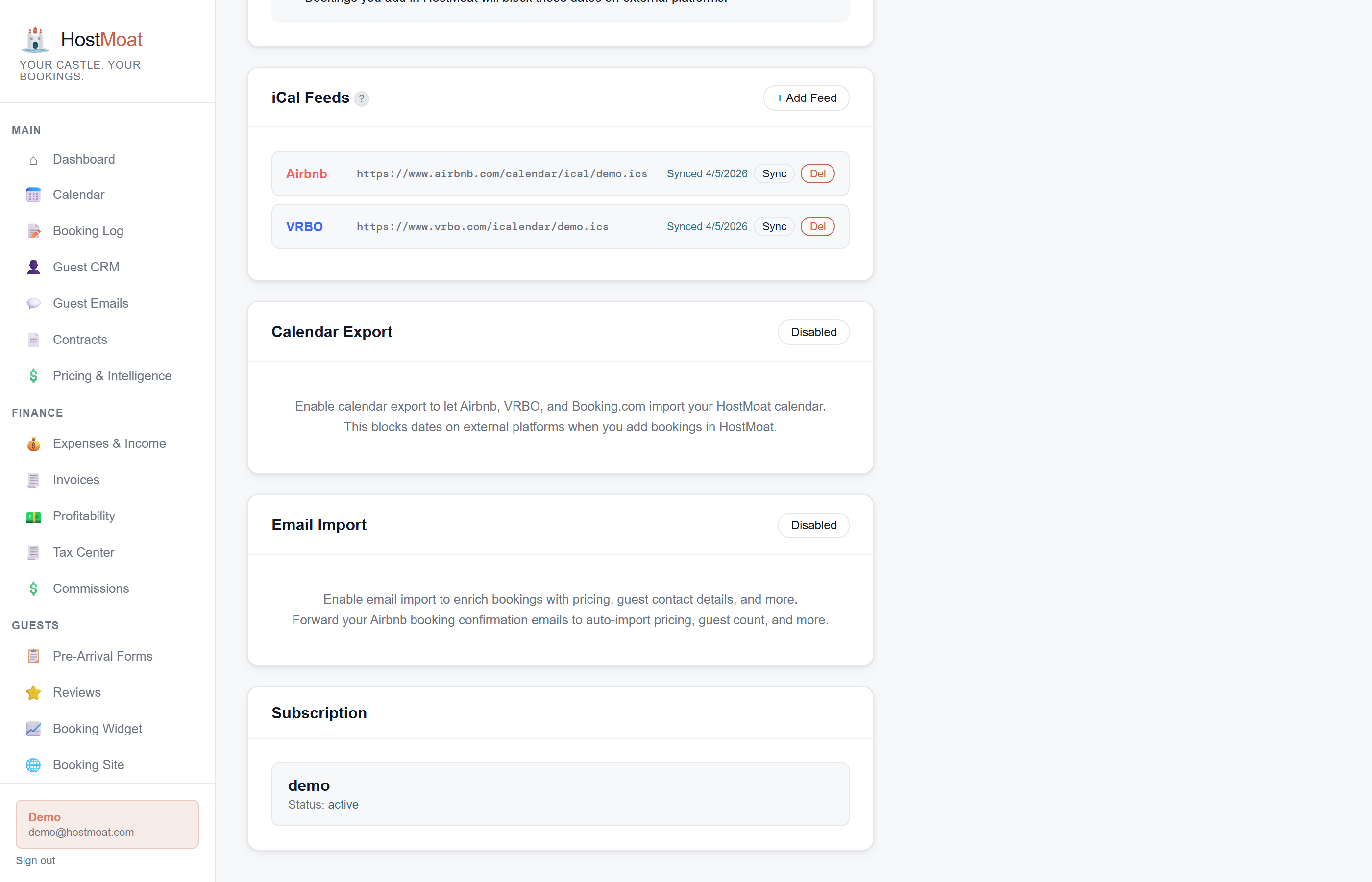
Parses Airbnb and VRBO
Forward booking confirmation, update, and cancellation emails from Airbnb or VRBO. HostMoat extracts guest name, rental amount, fees, payout, and more.
Auto-replies to inbound inquiries
When a prospective guest emails asking about availability, HostMoat can reply automatically with current pricing and a direct booking link.
Works alongside iCal for complete data
iCal gives you dates. Email gives you everything else: price, guest contact, fee breakdown, payout. Use both together for the full picture.
Inquiry auto-responder
Set up a forwarding rule so guest inquiries hit HostMoat. The auto-responder checks the HostMoat calendar, uses current pricing and minimum-stay rules, and sends a reply with a direct-booking link after the inquiry is processed. You can customize the reply template and signature.
What iCal alone can't give you
iCal feeds contain the booking dates and, at best, a guest name, but no dollar amounts, no fee breakdown, no contact details. Forwarded confirmation emails fill in everything: the guest's legal name, rental revenue, cleaning fee, platform service fee, and your net payout. HostMoat merges the email data into the existing iCal booking automatically.
Frequently asked
How do I set up email forwarding?
Each property has a unique forwarding address (e.g., [email protected]) shown in Settings > Email Import. In Gmail or Outlook, create a filter that forwards Airbnb and VRBO confirmation emails to that address. One-time setup, takes about 2 minutes.
What email address do I forward to?
Each property gets its own unique per-property address in the format {token}@hostmoat.com. Find yours in Settings > Email Import. Using a per-property address means HostMoat knows exactly which property each forwarded email belongs to.
What if a platform changes its email format?
We monitor platform email formats and update the parser when they change. You don't need to do anything. The fix rolls out automatically.