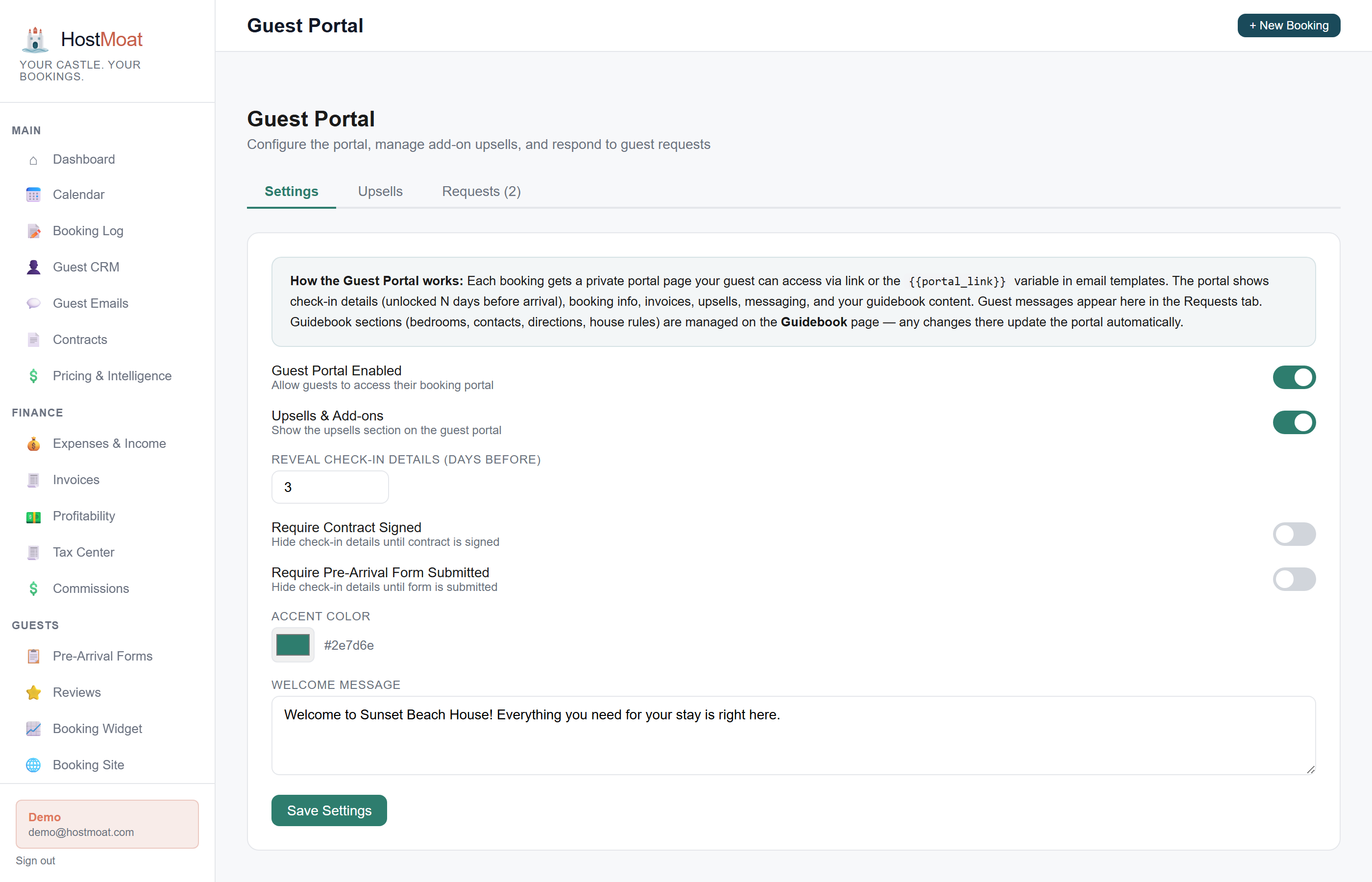
Digital guidebook and current access
WiFi, check-in instructions, the released unit PIN, shared entrances or mobile key, house rules, and local recommendations, all in one mobile-friendly page guests can bookmark.
Upsell menu
Offer early check-in, late checkout, mid-stay cleaning, or a custom add-on. Guests request it in the portal; approval creates and sends the appropriate invoice.
Messaging thread
Guests can send you a message directly from the portal. You reply from your HostMoat inbox. Keeps all guest communication in one thread.
How it works
Guest receives portal link
A unique token link is included automatically in the booking confirmation email. No app download, no account creation required.
Guest browses guidebook and upsells
The portal opens to a mobile-friendly web page with check-in info, the property guidebook, available upsells, and their booking details.
Approve and invoice
The request lands in HostMoat for approval. Approving it creates an invoice at the catalog price (or the price you set for a request-only item) and sends the guest a payment link.
Early check-in and late checkout upsells
Early check-in and late checkout are built-in request types with a configured adjusted time. The guest asks from the portal and the request remains pending until the host reviews availability and approves or rejects it.
Custom upsells for anything
Beyond the built-in types, you can add custom offers such as airport transfers, grocery pre-stocking, welcome baskets, or mid-stay cleaning. Set a description, category, availability note, and either a catalog price or request-only pricing that you decide at approval.
Frequently asked
How do guests get to the portal?
A unique link is included in booking emails, pre-arrival-form emails, and the separate access-ready email. Smart access appears only after both the access release rules and the portal’s reveal, contract, and pre-arrival gates are satisfied.
Can I edit the guidebook content per property?
Yes. Each property has its own guidebook with separate fields for WiFi, door code, house rules, check-in instructions, and local recommendations.
What's the HostMoat commission on upsell payments?
HostMoat adds no commission. Payments use your connected Stripe account, and the processing rates in your Stripe agreement still apply.
Can I hide guidebook sections from the portal?
Yes. Each property's portal settings include five toggles (bedrooms, check-in/checkout, contact info, house rules, and custom sections) that let you hide those blocks individually. Guests still see the full guidebook via the link at the bottom of the portal.